By
Martyna Zimmermann-Pepol
How we build client sites with Ploy
Agency Workflow
AI Websites
Ploy
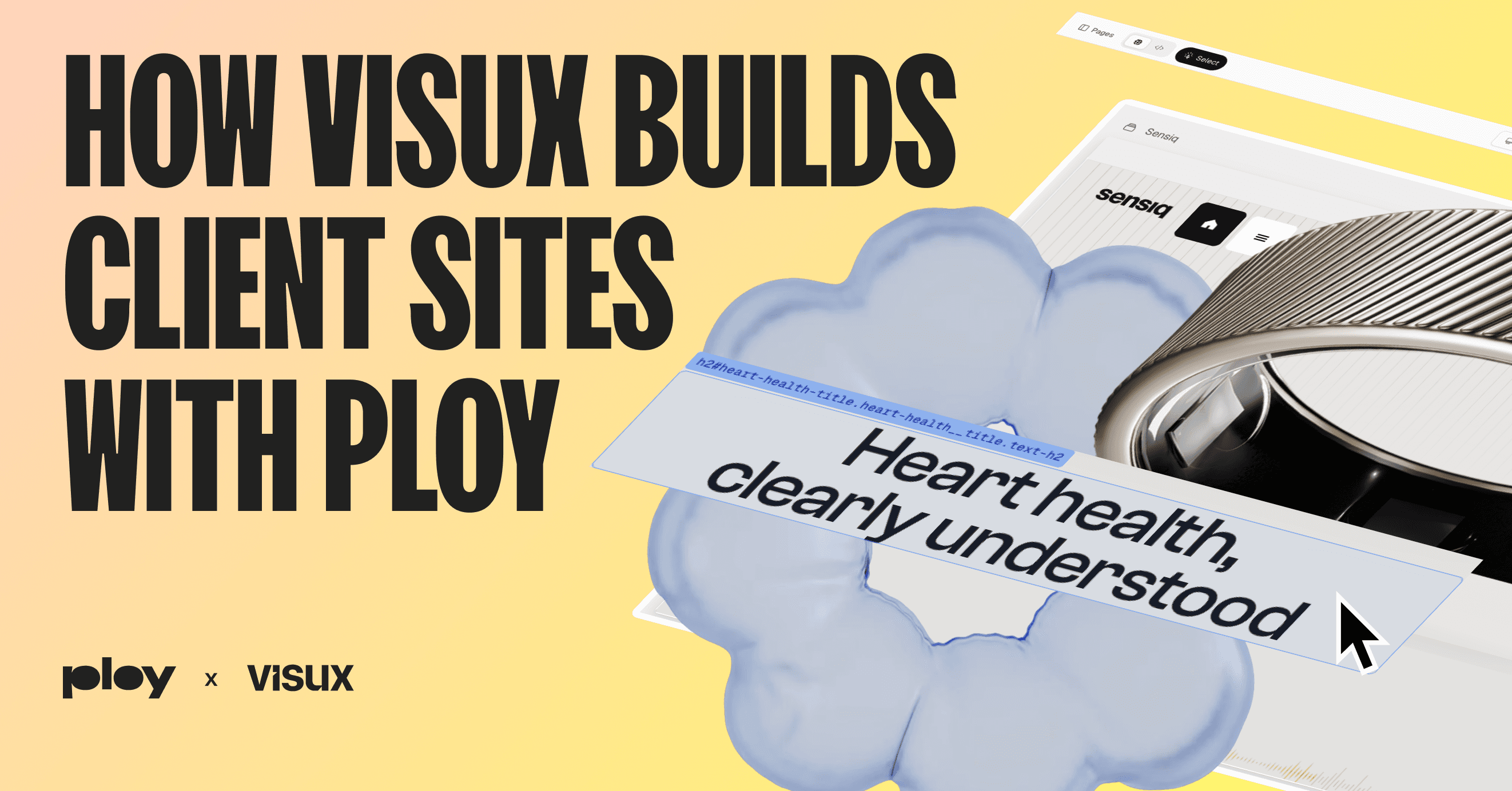
The first post in this series looked at Ploy from a distance: one workflow instead of five tools, a modern foundation under the hood, faster delivery for agencies and more independence for clients. This post goes inside the build. How we actually use Ploy to ship a site, where Korra (its AI agent) does the heavy lifting, and the parts of the workflow that earned a permanent place in how we work.
We build branded product sites for a living. Pixel-perfect layouts, complex scroll animation, design systems that have to hold together across dozens of components. That kind of work is usually slow and manual. Ploy's AI website builder changed the shape of it for us, so the time goes into defining the system and directing the build rather than assembling UI by hand.
We'll use one project as the running example throughout: Sensiq, a precision-sensing smart-ring product site (live at sensiq.co). Pixel-perfect, animation-heavy, exactly the kind of build that exposes whether a tool is serious or not.
The design system comes first
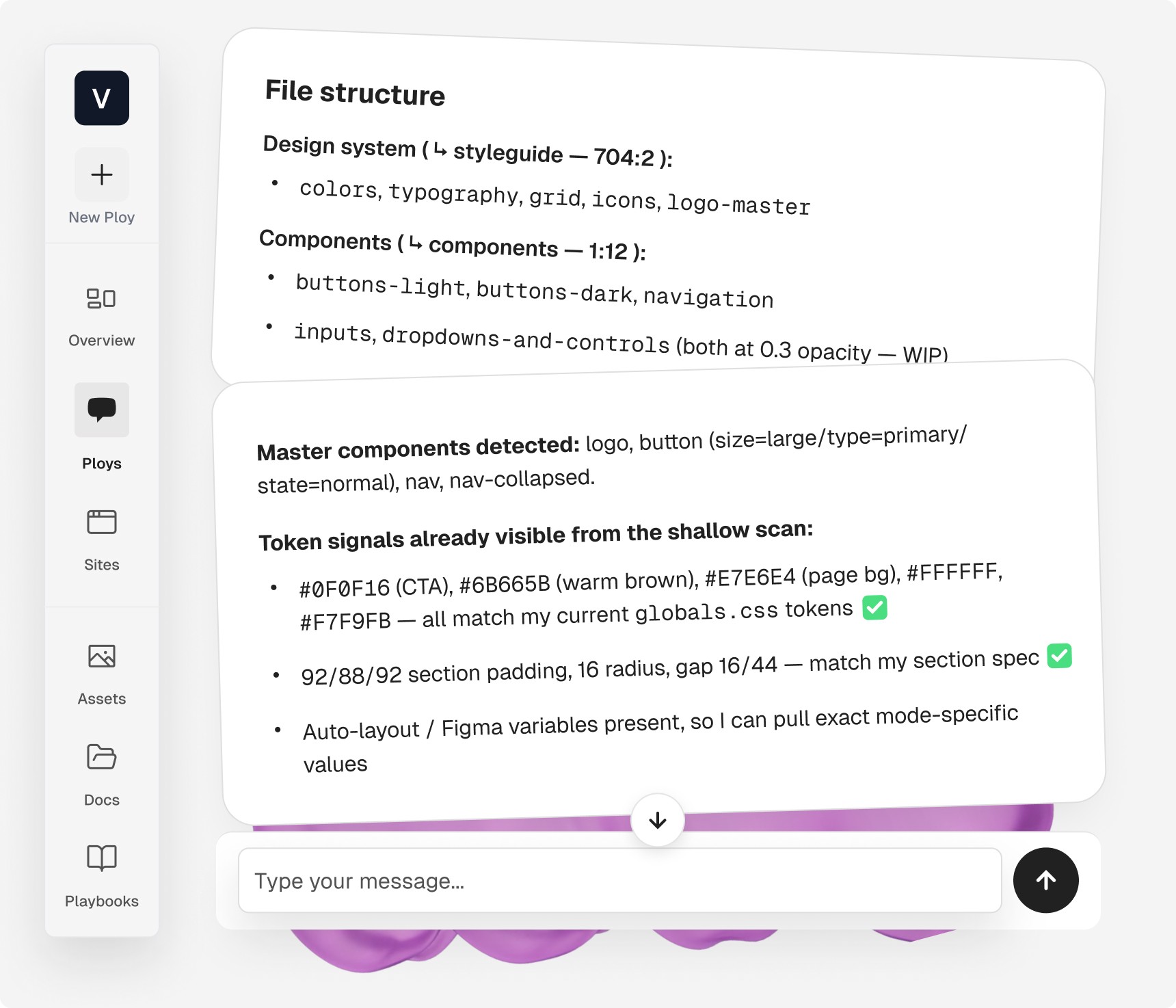
Every build starts with the design system, before any markup exists. In Ploy that means setting up the tokens once and reusing them everywhere: CSS custom properties, Tailwind tokens, type classes. Colors, type scale, spacing, radius.
What makes this part work is how Korra holds the system in memory. We copy the tokens from Figma, she records them, and from that point she builds against them without being reminded. When a value needs to change, or when she spots a mismatch herself (a color that drifts from the token, a heading using the wrong class), she flags it and suggests the update. The design system stays the source of truth instead of slowly rotting as the site grows. Working with the design system this way is one of the strongest parts of the whole workflow.
Once the system is in place, we build section by section, top to bottom. Assets first, then static layout, then interactions, then scroll animation. We commit before moving on. One section landed cleanly is worth more than three sections half-built, and the commit discipline means every coherent step is recoverable.
Selecting the exact element you mean
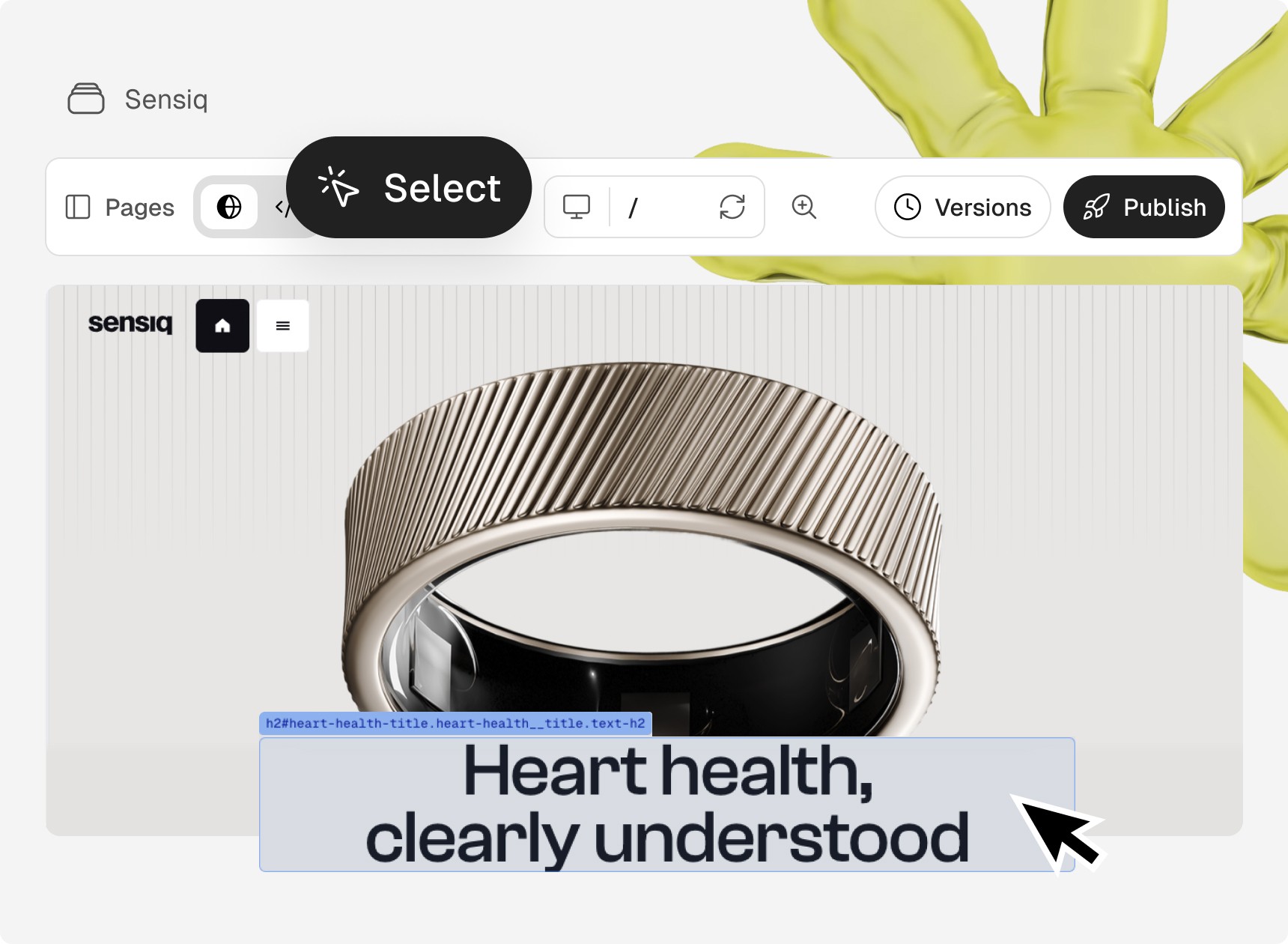
A recurring problem with any visual tool is pointing at the right thing. "The pill on the second bar in the hero" can mean three different elements depending on who's reading.
Ploy's Select tool removes the guesswork. You click the element directly in the preview, then work on it or leave a comment on it. Korra receives it with full context, so a correction lands on the exact part of the layout you meant. For last-mile pixel work, this is the difference between one clean pass and a back-and-forth.
Scroll animation as the core craft
Most of the time on a project like Sensiq goes into motion, and this is where Ploy pulls ahead of Webflow and Framer. Because the output is real code, we get GSAP and ScrollTrigger with precise control over timing and easing, not a fixed set of presets.
The distinction that runs through all of it is the animation mechanic. There are two, and naming the right one before touching any values is how we approach every motion task now.
Scroll-tied scrub maps scroll position continuously to animation progress. The animation follows the user's scroll speed exactly. This is what creates the cinematic, liquid feel: product rotation, parallax, pinned sections, progress bars. In Ploy this is a GSAP ScrollTrigger scrub, not a CSS transition.
Threshold-triggered fires once when the scroll reaches a point, then runs at its own pace and ignores the scroll after that. This is the right mechanic for entrance animations, fade-ins, counters that count up when they come into view.
On the Sensiq navbar transition, the unlock was choosing scrub over a CSS approach. Once the mechanic was right, the values fell into place. That lesson is now a standing rule in our workflow: name the mechanic first, tune the values second. It saves more iterations than any amount of easing-curve fiddling.
Korra speeds the animation work up considerably once the setup is right. She works with motion/react by default, which covers entrance and interaction states well. For the scroll-tied, cinematic motion we build on product sites, we add the GSAP library to the project and tell her to use it for anything scroll-tied. With GSAP and ScrollTrigger in place, she choreographs the timing, easing, and scrub behavior in code, and iterates on a spec fast. Setting the animation stack deliberately at the start, motion/react for entrance, GSAP scrub for scroll-tied, is one of the decisions we lock into workspace memory so it holds for the rest of the build.
Animation work is also the one part of the build we keep to one change per turn. Each animation has its own timing and easing, and batching them risks one bleeding into another.
The asset library keeps the build tidy
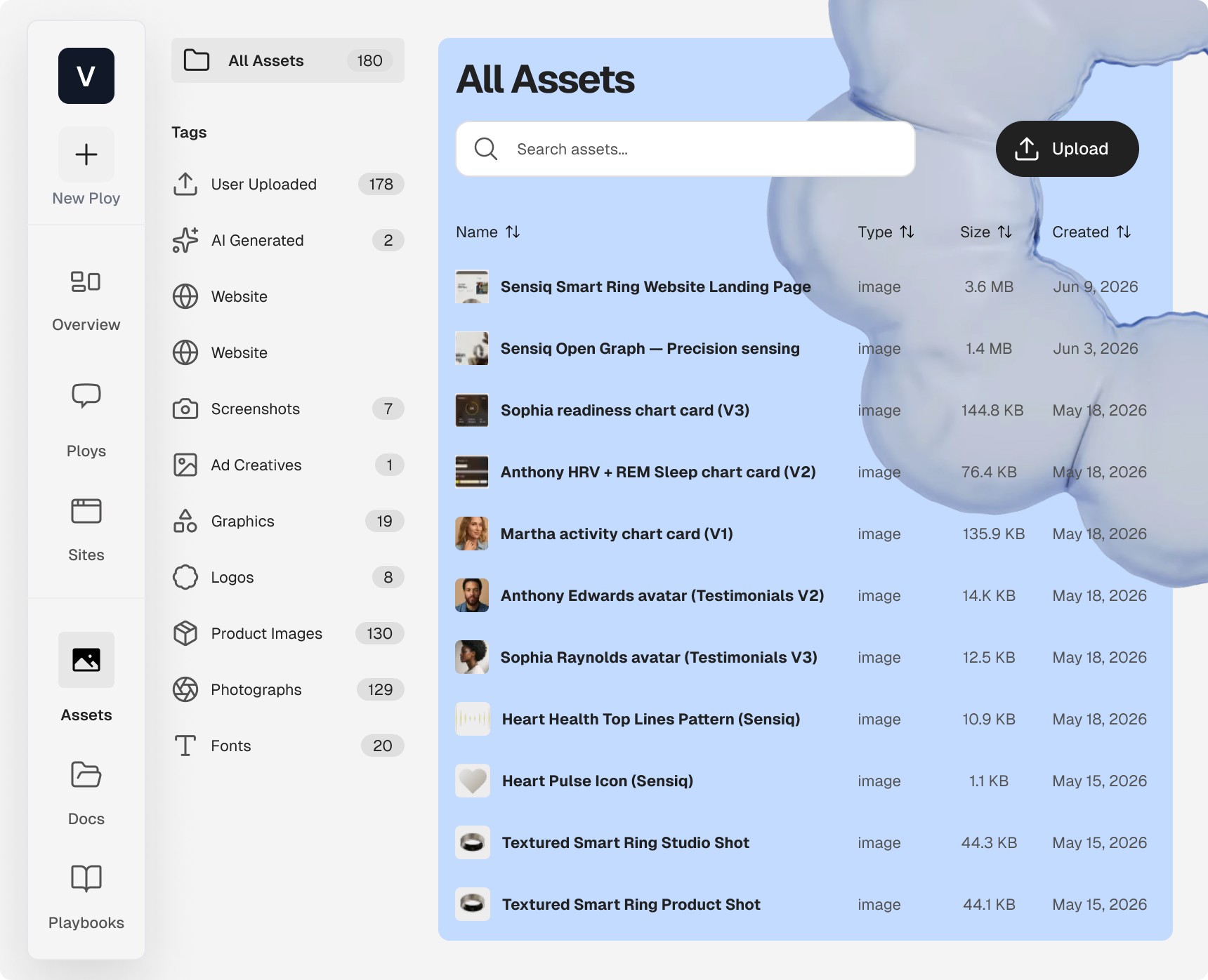
Everything a build needs lives in one place: images, video, fonts. We upload them to the asset library up front, named so they're easy to find. Korra can also add assets to the library herself when we attach new ones mid-build, so the project stays organized instead of accumulating loose files. On an animation-heavy site with frame sequences and multiple video sources, that order matters more than it sounds.
The Sensiq ring-rotation section ran on a 120-frame image sequence, the kind of asset where one wrong frame is obvious in motion. Korra watches asset integrity through a build like this. If she spots something off, a frame that looks wrong, a mismatch in a sequence, a file that doesn't fit the rest, she points it out and proposes a fix rather than letting it slip into the live site. On a build with this many moving parts, having a second set of eyes on every asset keeps small problems from reaching the screen.
Figma feeds the build directly
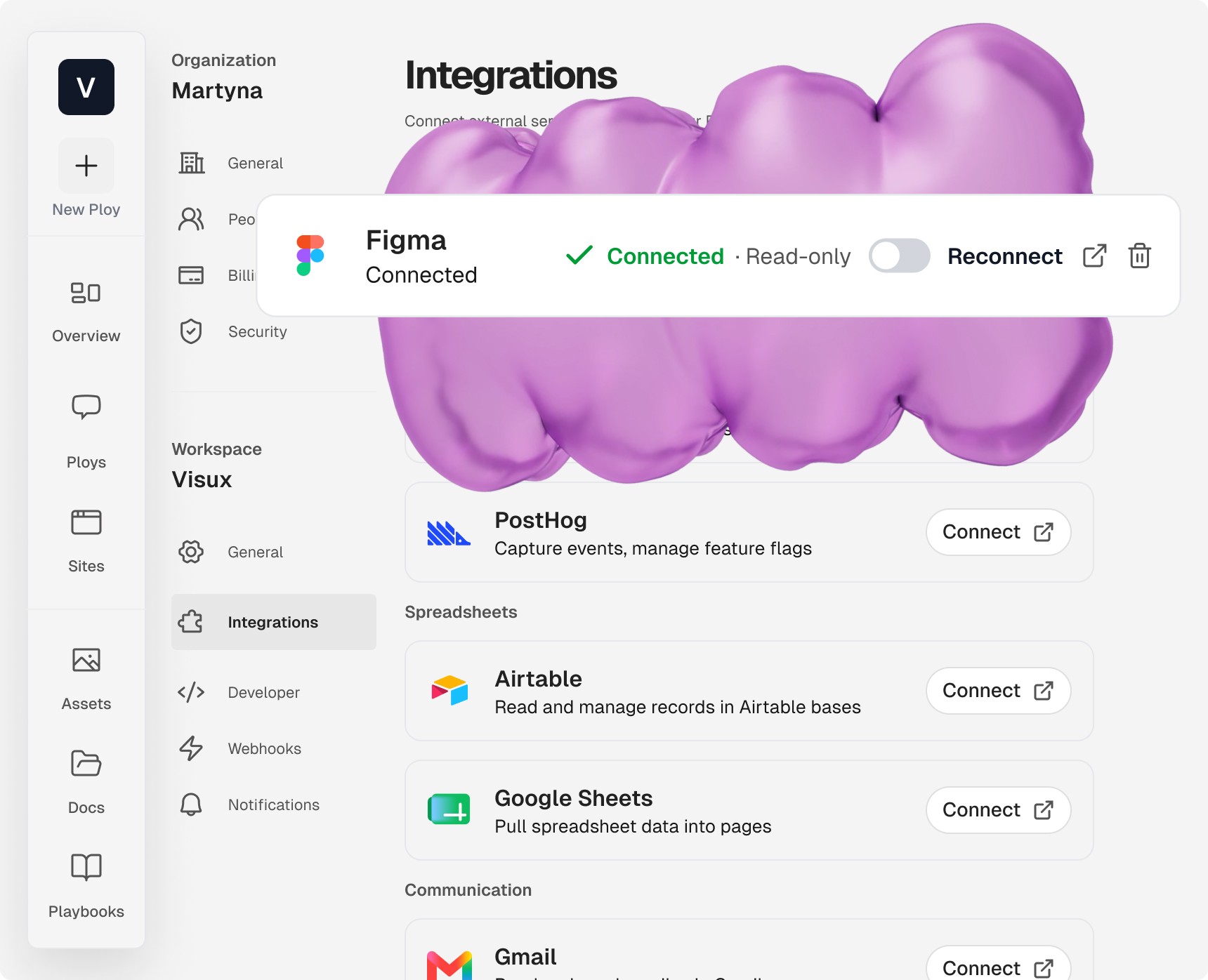
Ploy connects to Figma, and Korra reads our Figma projects and works from them on her own. We copy links to specific layers so she builds against the exact design rather than an approximation. Per-section screenshots still help us close the final few pixels, but the core is a real design-to-build connection. Figma is one of many tools Ploy connects to, so the design source and the build live in the same workflow.
The Figma design system drives the build: color tokens with OKLCH values, the type scale, spacing, components. What ships matches the design one to one. For design-led work, where the whole point is fidelity to the original, this connection is what makes Ploy viable as a build platform rather than a rough draft generator.
Full code ownership through GitHub
Every file Ploy produces is ours. Astro, React, TypeScript. The project lives in a repository on our Ploy workspace, private to our organization, and it syncs both ways with GitHub through Ploy's GitHub integration.
The two directions work differently, and it's worth being precise about them. Building and publishing in Ploy pushes to GitHub automatically once the integration is set up, so the repo stays current without us thinking about it. Going the other way, writing or extending code directly in GitHub, the changes come back into Ploy through a manual sync: we make the edits in the repo, then pull them into Ploy when we're ready. One direction is hands-off, the other is on purpose.
In practice this is one of the most useful parts of the setup. It gives us proper version control and the freedom to make multi-file refactors in one coherent pass: rebuilding sections, renaming files, restructuring components without leaving a trail of broken references. The code is real and it's ours to work with, whether we touch it through Ploy or straight in the repo. We treat it the way we'd treat any codebase we own.
For larger structural changes and logic-heavy components, the pattern that works is writing a precise spec and handing it to Korra to execute. She holds the project context, so the spec lands against the right token names and file paths the first time. A good spec for her names the section or component by its file, states the mechanic and the values, and points at the exact element when needed. The clearer the brief, the less iteration after, and the closer the first pass lands to what we wanted.
SEO and performance handled in the build
Ploy treats SEO and performance as part of the build rather than a cleanup pass at the end. Ask Korra to check the site and she runs a full performance analysis, catches the issues, fixes them, and suggests further optimizations on top, the kind of recurring audit Ploy packages as Ploybooks. Other times she raises a problem before we ask, mid-build, when she notices something worth fixing. Either way the issue gets caught while it's cheap to fix.
On the SEO side she handles the groundwork herself: generating the sitemap, writing meta descriptions and image alt text, and adding the robots and llms files. The llms files feed Ploy's answer engine optimization, so the site is structured to be cited by AI search, not just ranked. When she surfaces issues, the fix happens in the same workflow, against the real code, with the design system intact.
Analytics is built in from the start. Pageviews, sessions, devices, geography, with no setup. There's identified visitor enrichment too, showing company, role, and LinkedIn, which isn't available natively in Webflow or Framer. GA4 and Google Search Console connect directly from chat once we link the accounts.
How we set up clients
We work in a structure that mirrors how agency and client actually split. Inside our workspace we set up an organization per client account, and each organization holds that client's projects (their sites). The agency starts and builds the project. When it's ready, we add the client to the organization so they have visibility into their site.
The part that makes this safe to run with AI is that Korra never publishes on her own. She builds, audits, and makes recommendations, then leaves the decision to us. Nothing goes live without a person choosing to ship it. That single rule is what lets us move fast without handing quality over to the model. Chats in Ploy work best kept consistent and coherent, one clear thread per piece of work, though that doesn't rule out collaboration when a project needs more than one person on it. Handoffs happen through workspace documents: the designer sets the spec, the developer asks Korra to execute, and both have the full context without a meeting. We also keep a standing SOP document that Korra consults before starting any new project, so our process travels with us instead of living in someone's head. (Ploy's docs cover how this workspace structure is set up.)
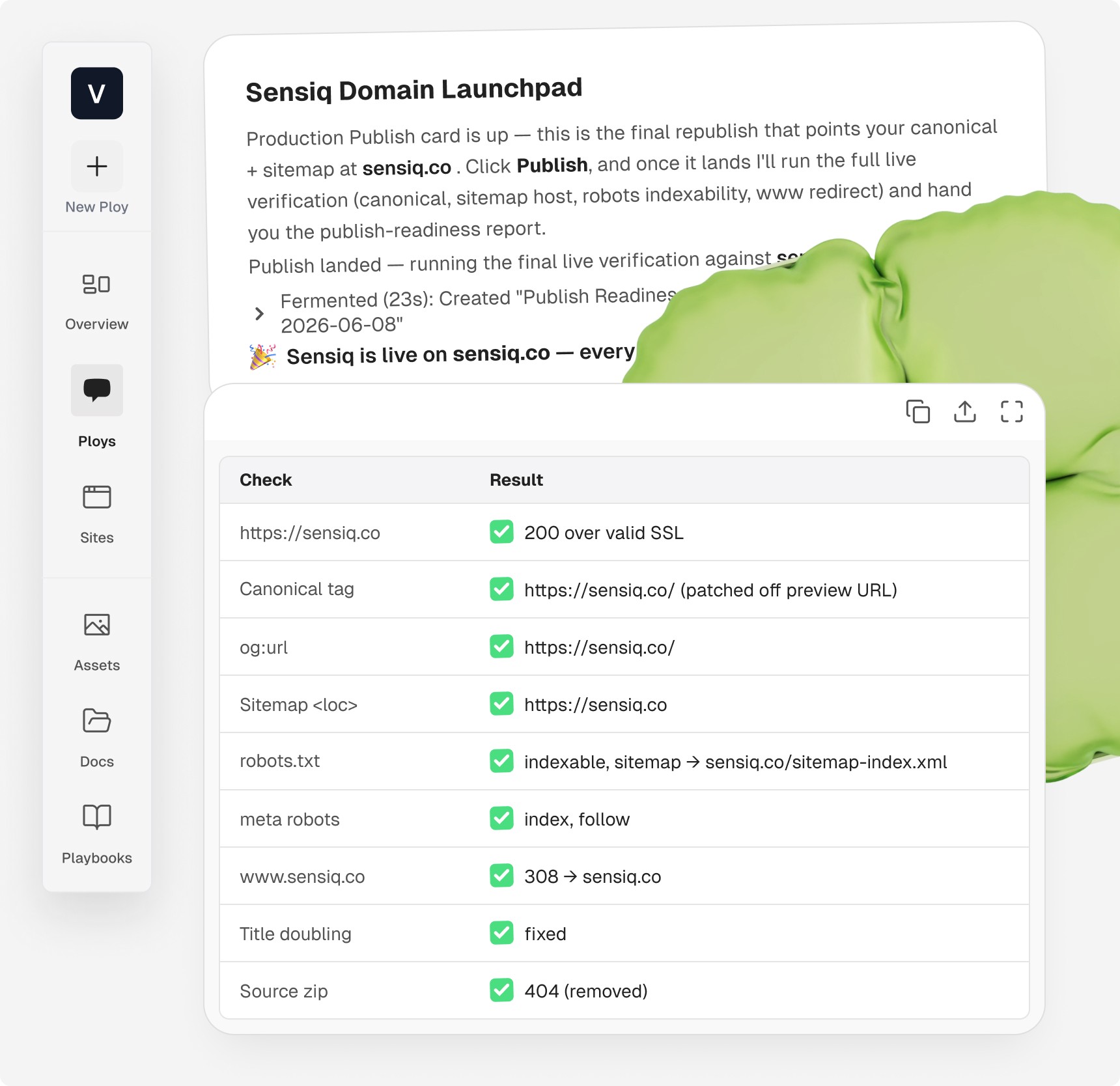
Custom domains are part of the same flow. If the domain provider supports it, our agent connects to it and sets the correct records automatically. When we set it up manually instead, we do it in chat (pasting screenshots works best here) and Korra walks us through adding each record clearly. Hosting and SSL are handled by Ploy, so the one thing we need to bring is the custom domain itself. Going live is a step in the build rather than a separate operations task.
The model with clients is straightforward. The agency builds, and the client comes in with full visibility once the site is ready. The client can be as involved as they want, but nothing ships without a person approving it. Quality control stays with us by design: the value of a design-led studio is in the judgment calls, and those are exactly the calls we don't hand off.
What this changes
The work of building a site used to be mostly assembly. Place the section, wire the layout, hand-tune the animation, repeat. With Ploy, the assembly is the part Korra carries. Our time goes into defining the design system, writing clear specs, choosing the right animation mechanic, and reviewing the output against the standard we hold.
That's a better use of a design studio's hours. We ship faster on Sensiq-class work than we could by hand, the code is ours to keep, and the craft decisions stay where they belong, with us.